
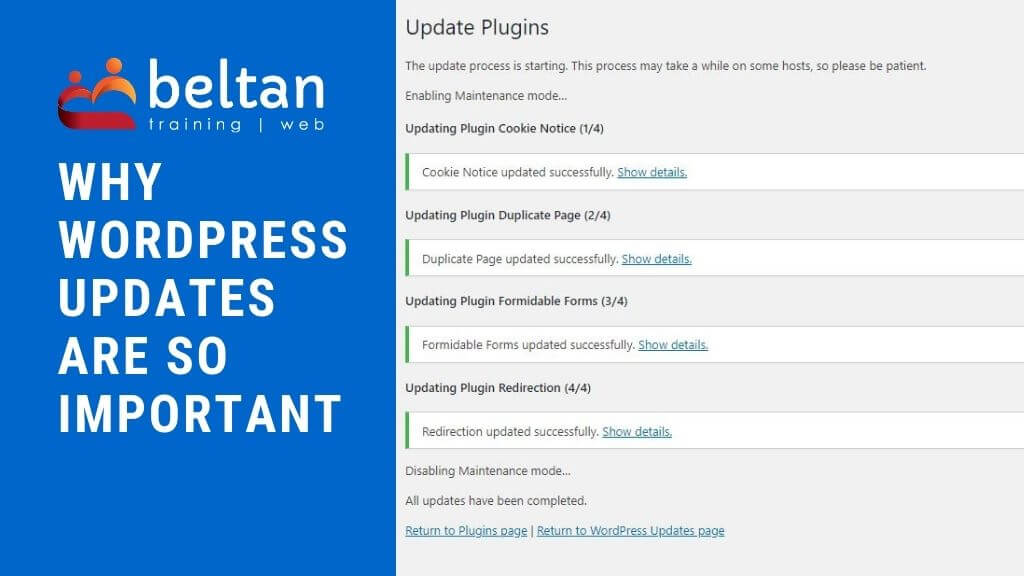
Keeping on top of WordPress updates is one of the most important tasks for any website owner. While WordPress powers millions of websites worldwide, it is not a “set and forget” investment. Regular updates help keep your site secure, improve performance, and ensure everything continues to function correctly.
I often encounter participants who attend my WordPress courses running out-of-date website components, sometimes 12+ months behind. This raises serious red flags as this puts a site at risk to security vulnerabilities, potential risk of hacking, poor website performance and slower loading times.
The main two reasons I hear to explain an outdated WordPress site are:
- I’m worried the updates will crash the website.
- Our website designer was doing them but stopped.
Just as you should keep your antivirus software up-to-date, you need to keep WordPress up to date and that includes:
- WordPress core files,
- WordPress plugins,
- WordPress theme.
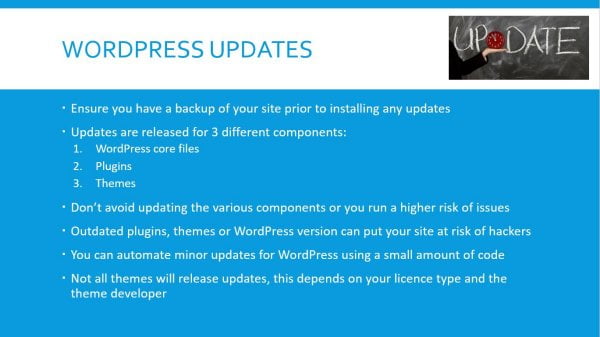
Updates for WordPress usually include security fixes, bug fixes and general maintenance updates. Your plugins, which add extra functionality to your website, also need to be kept up to date for the same reason.
Depending on your theme developer, you may also receive regular updates to your WordPress theme. These should be installed alongside any other updates. Some themes are a one-off purchase and do not include ongoing updates, whilst other themes may only provide updates for a set period of time.
Failure to keep these elements up to date opens your website up to potential issues from hackers or malicious code. Once a hacker identifies your website has a vulnerability then consider it hacked because they will know exactly how to exploit that flaw.
A recent new client came to me with issues on their website. Within 10 seconds of me looking at their website, I could see they’d been hacked. The site was redirecting links from the main navigation bar to a completely different website. The cause of this hack? An outdated theme.
Keep WordPress up to date
Firstly let’s direct discuss WordPress. There are two types of updates release: major and minor.
A major update is where WordPress add in new features or functionality. This may also include security or bug fixes. The most current version as of writing this is WordPress v5.3.2. The next major update will see the release of WordPress v5.4.
A minor update is generally where security and bug fixes are applied. As mentioned the current version being used in WordPress v5.3.2, so the next minor update will be WordPress v5.3.3.
What next?
So now you know that keeping WordPress up to date is very important.
So what is the next step? You have three main options to choose from:
- Update WordPress yourself
- Get a designer to do it
- Ignore the updates and cross your fingers & toes that nothing happens (jokes, I do NOT recommend this as a solution)
Update WordPress yourself
If you plan to update WordPress yourself, do a little research first. There is plenty of information online which provides best practices for updating a WordPress website.
First and foremost make sure you have a recent backup of your entire website including the database. Should anything go wrong during the update process you want to be able to restore your website without going into a full scale panic.
Get a web designer to do it
If you don’t feel comfortable performing your own website updates, or maybe you simply don’t have the time, it’s worth speaking with your website designer who may be able to offer maintenance or “care plans” as a service. *wink wink* Just like we do!
Our WordPress Care Plans offer a monthly or fortnightly update of your website including the WordPress core files, plugins and theme (if applicable). If something goes wrong, we fix it.
Ignore the updates
If you choose this route, which I really hope you don’t, be prepared that your site will be compromised eventually. Sure you may get away with it for a period of time but I don’t recommend testing out the theory.
If you suspect your website has already been hacked, feel free to contact us for an obligation free chat to discuss your options.
Have you thought about WordPress Security?
Now that you know the imporance of keeping WordPress up to date, what about security?
I’ve heard lots of different reasons for NOT using basic security practices on a website but it is just as important as keeping WordPress up to date. I’ve written an in-depth article explaining why you need WordPress security and outline some of the fundamental things you need to be protecting your website from.
Moving forward
I hope this gives you a good starting point to work out how you can protect your website from issues in the future.
If of course this all sounds way too complicated, feel free to contact us and we’ll take care of this for you. Our monthly WordPress Care plans are super affordable and allow you to focus on what you do best, while we take care of what we do best!